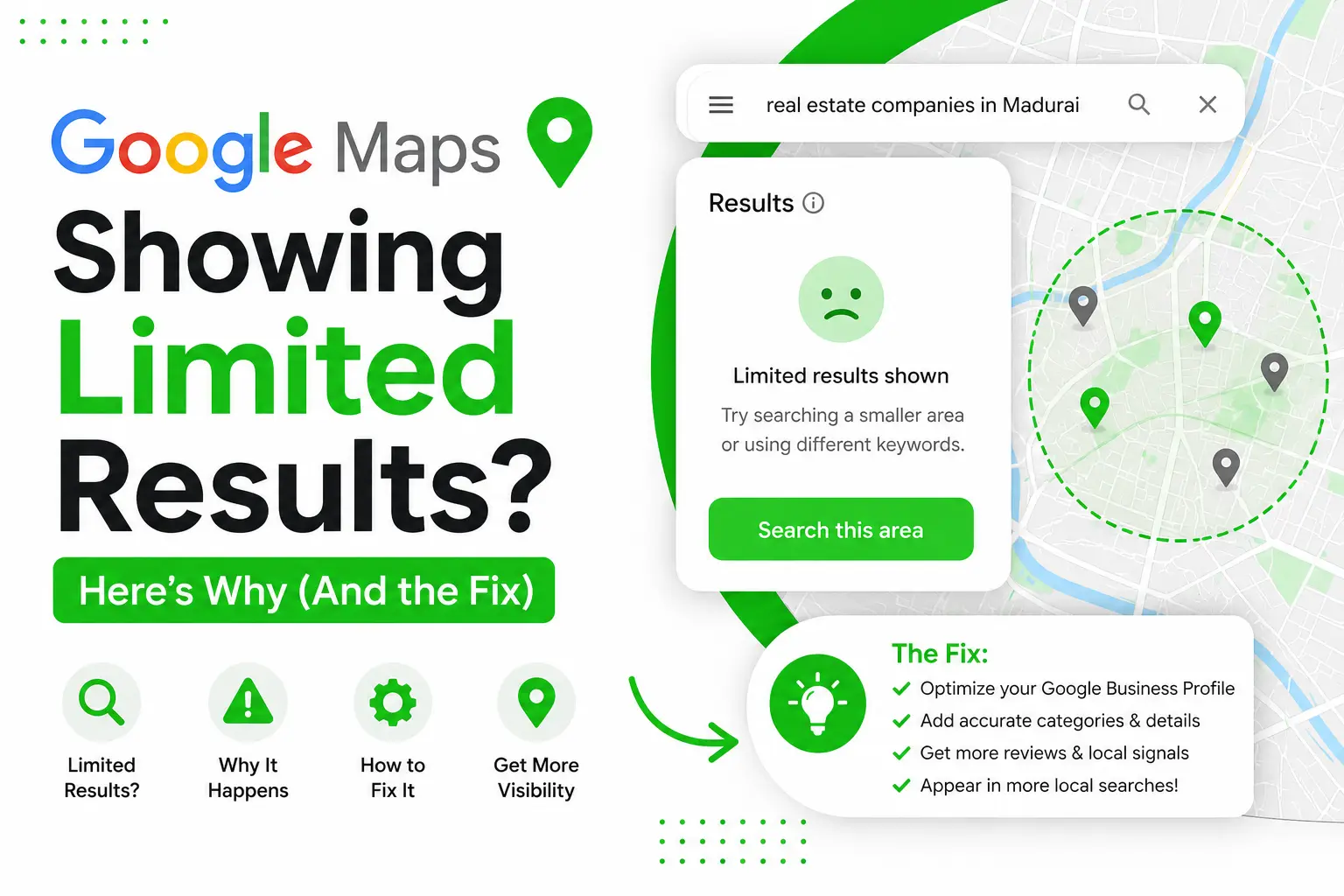
If you use Google Maps for B2B lead generation, market research, or local SEO competitor audits, you’ve probably searched something like “real estate companies in Madurai” and scrolled until the results suddenly stopped.
You hit the bottom of the list, but you know for a fact there are way more companies in the city. So why does Google Maps stop showing them?
The Problem With City-Wide Search
When you search using just a keyword + city name (e.g. “real estate companies in Madurai”), Google Maps caps the results at a maximum of 120 listings. No matter how many businesses actually exist in that city, you will never see more than 120 in a single search.
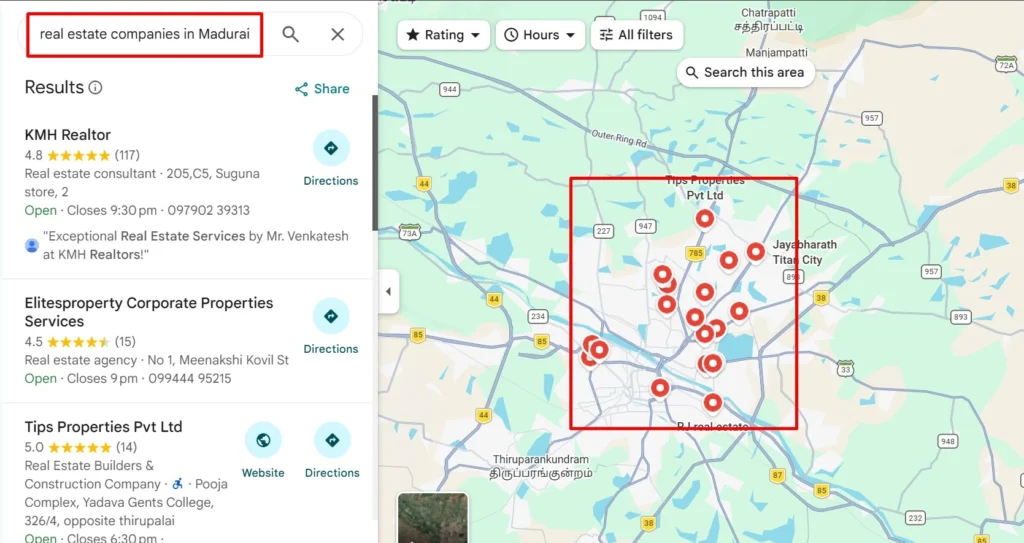
For anyone doing B2B lead generation, competitor discovery, or local pack analysis, this is a massive blind spot. In a large city like Madurai, you could be missing out on 60% to 70% of potential prospects simply because Google stops rendering pins after 120 results.
The Fix: Search by Area, Not Just City
Instead of searching city-wide, narrow your search query down to specific commercial hubs, residential pockets, and localities:
- ❌ “Real estate companies in Madurai” (hits the 120 cap immediately, missing suburbs)
- ✅ “Real estate companies near Anna Nagar Madurai”
- ✅ “Real estate companies near KK Nagar Madurai”
- ✅ “Real estate companies near Vilangudi Madurai”
- ✅ “Real estate companies near Surya Nagar Madurai”
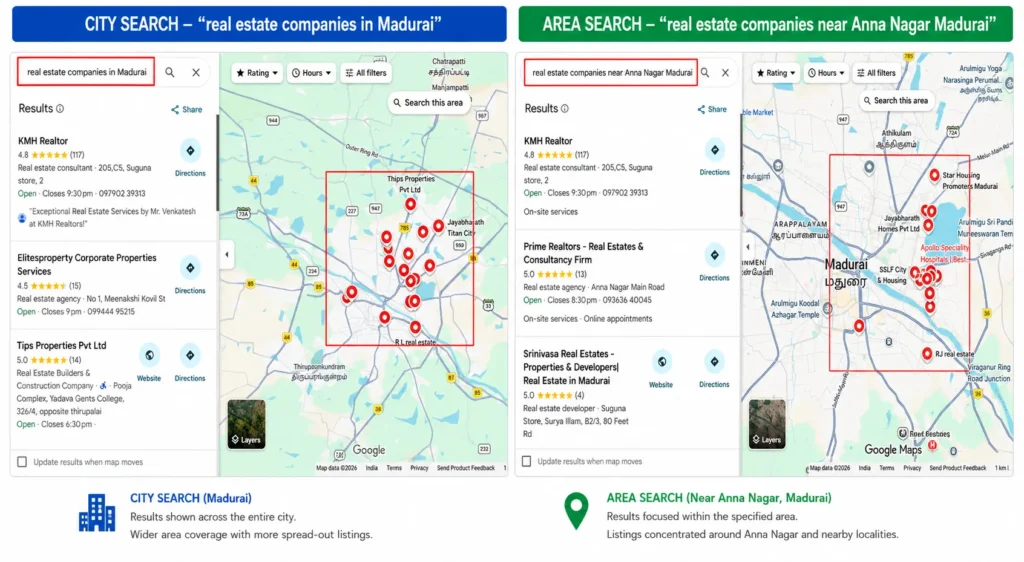
When you search by area, Google Maps pulls businesses centered around that specific geo-coordinate. The 120-result limit still applies, but now it applies per locality instead of city-wide!
How to Cover Your Entire City (The 3-Step Blueprint)
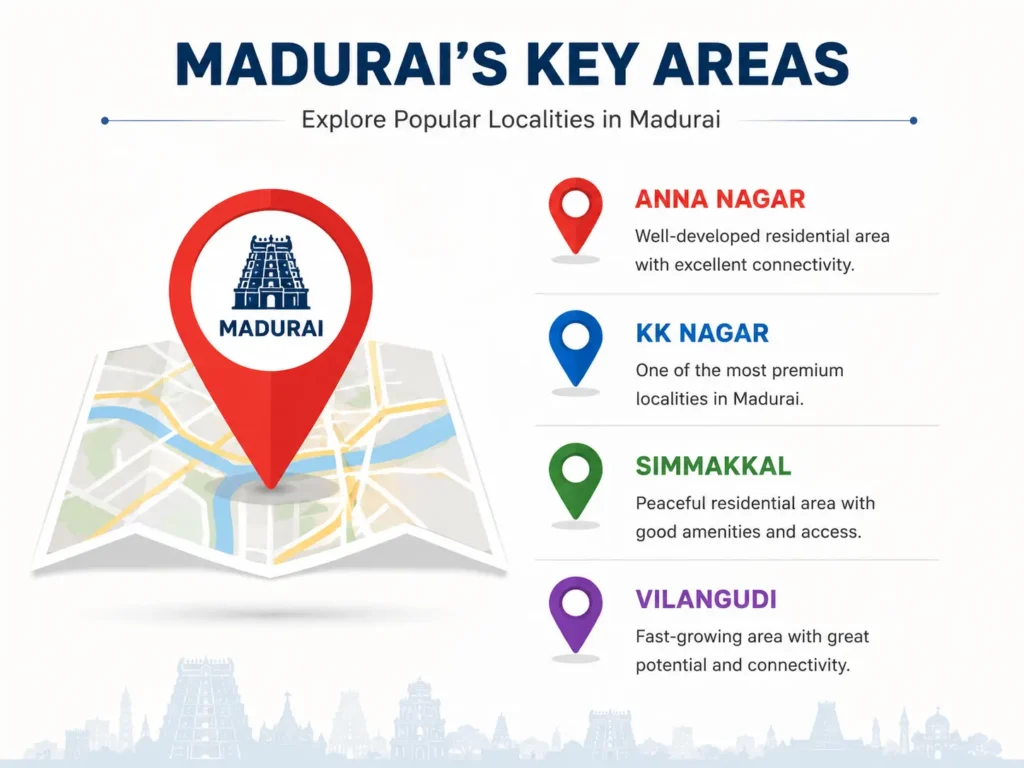
- Step 1: List out all primary zones & localities — Divide your target city into 8 to 15 key neighborhoods (e.g., Anna Nagar, KK Nagar, Simmakkal, Goripalayam, Mattuthavani, Thirunagar, Othakadai, etc.).
- Step 2: Run separate area searches — Query [Service Keyword] + [Locality] + [City] for each individual zone.
- Step 3: Compile into a deduplicated master database — Export the results and merge them into one spreadsheet, removing duplicate entries using phone numbers or GBP place IDs.
⚡ Automation Tip for Lead Gen Pros
Instead of manually copy-pasting hundreds of business phone numbers and addresses, tools like Thunderbit or Chrome map scraper extensions can extract verified phone numbers, ratings, review counts, and website URLs directly into Google Sheets in minutes!

Written by Deepanraj
Digital Marketing Consultant in Madurai with 5+ years of experience helping local and national businesses dominate Google Search, Google Ads, Meta Ads, and AI-driven Search (AEO & GEO).
Work with Deepanraj →