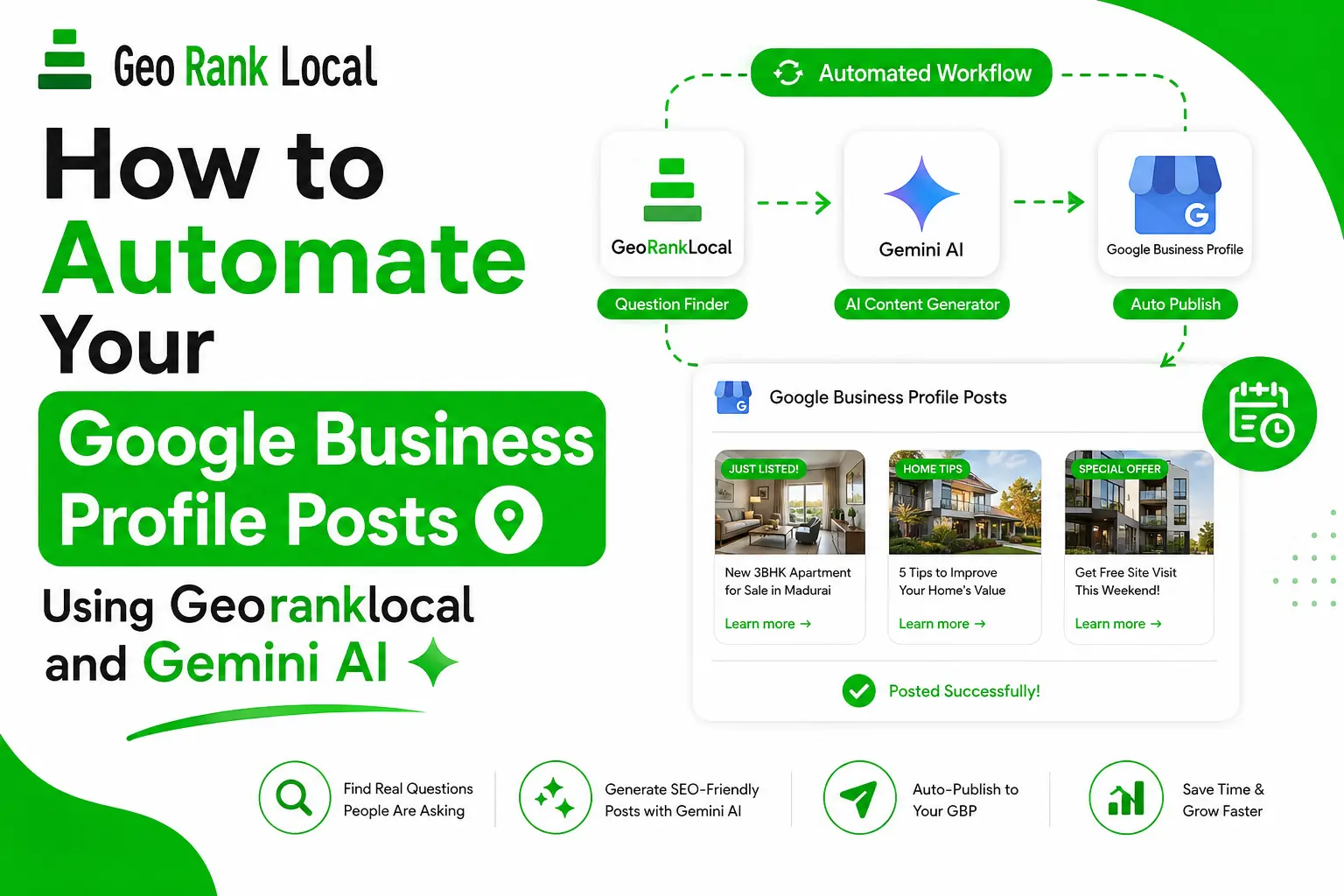
How to Automate Your Google Business Profile Posts Using Georanklocal and Gemini AI

Posting on Google Business Profile regularly is one of those things everyone knows they should do, and almost nobody actually does consistently. I was in the same boat — I’d post once, get busy, and then not touch the GBP dashboard for three weeks. So I built a small workflow using Georanklocal and Gemini AI that cut my GBP posting time down to a few minutes a week.

Here’s exactly how it works.

Why GBP Posts Actually Matter

Before the workflow, a quick reason this is worth automating at all. Google Business Profile posts aren’t just a “nice to have” — they signal to Google that the business is active, they show up in the Business Profile itself when someone searches your brand name, and consistent posting has a real correlation with better local pack visibility. The problem was never whether to post. It was finding time to write fresh, relevant content every single time.

The Problem With Manual GBP Posting

Two things usually kill consistency:

  1. Idea fatigue — after the first 5-6 posts, you run out of obvious things to say.
  2. Writing time — even a short GBP post (100-150 words) takes longer than it should when you’re starting from a blank screen.

Georanklocal solves the first problem. Gemini AI solves the second. Together, they take the whole process from “ugh, I need to write a GBP post” to “here’s a ready post in under 5 minutes.”

Step-by-Step Walkthrough

Step 1: Get Post Ideas From Georanklocal

Go to georanklocal.com and pull up the GBP post idea generator. Type in your service or keyword — for example, “SEO Expert” or “GBP Expert in Madurai” — and click search. It fetches real questions people are actually asking about that topic on Reddit, Quora, and other forums.
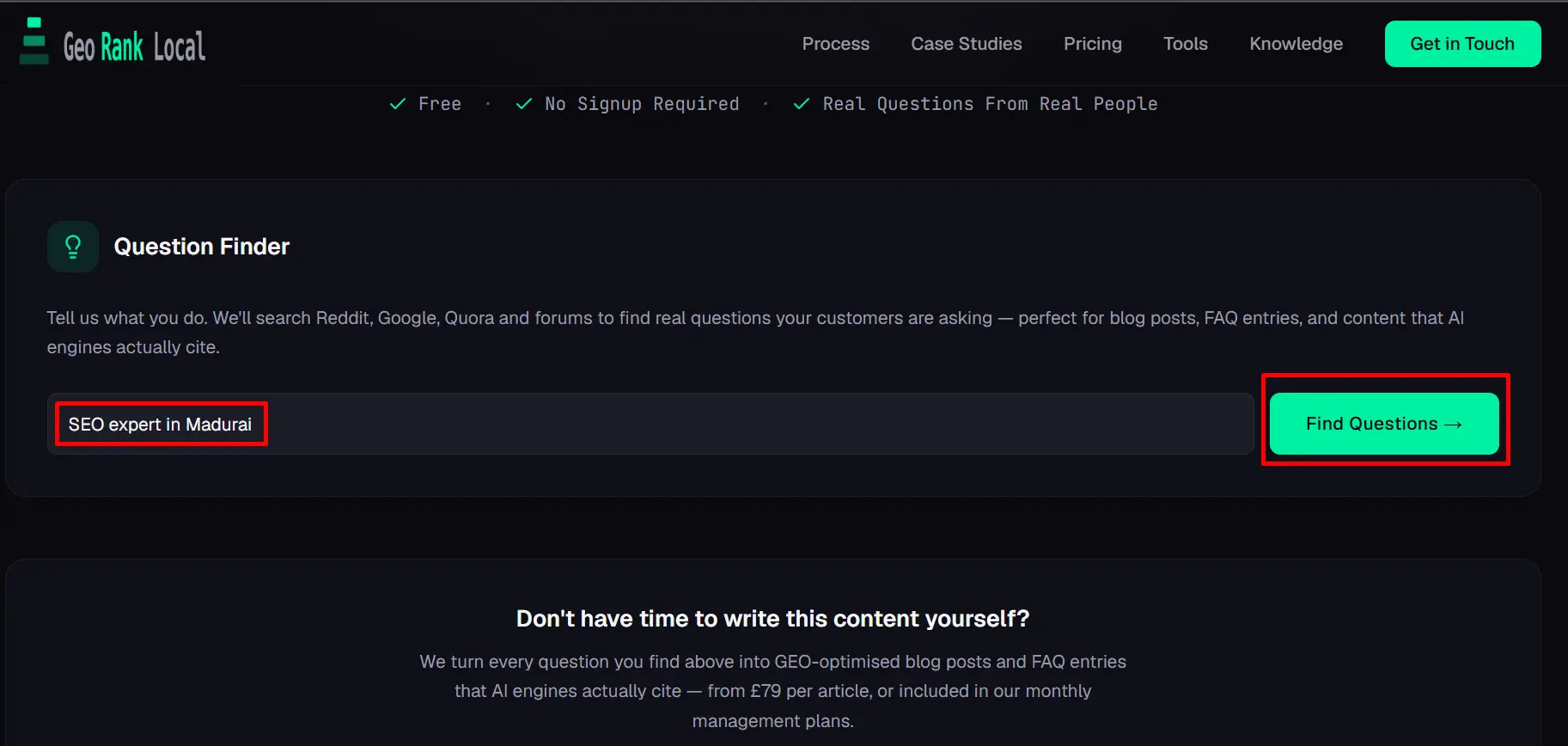
Georanklocal search your product or service

This is what makes the ideas genuinely useful instead of generic. Instead of a random list of “content ideas,” you get real questions your potential customers are searching for answers to — which makes for a much stronger GBP post angle than “check out our services.”

Pick 3-4 questions that genuinely fit what’s happening with your business that week. Don’t just take the first one on the list — go through a few and pick what’s most relevant.
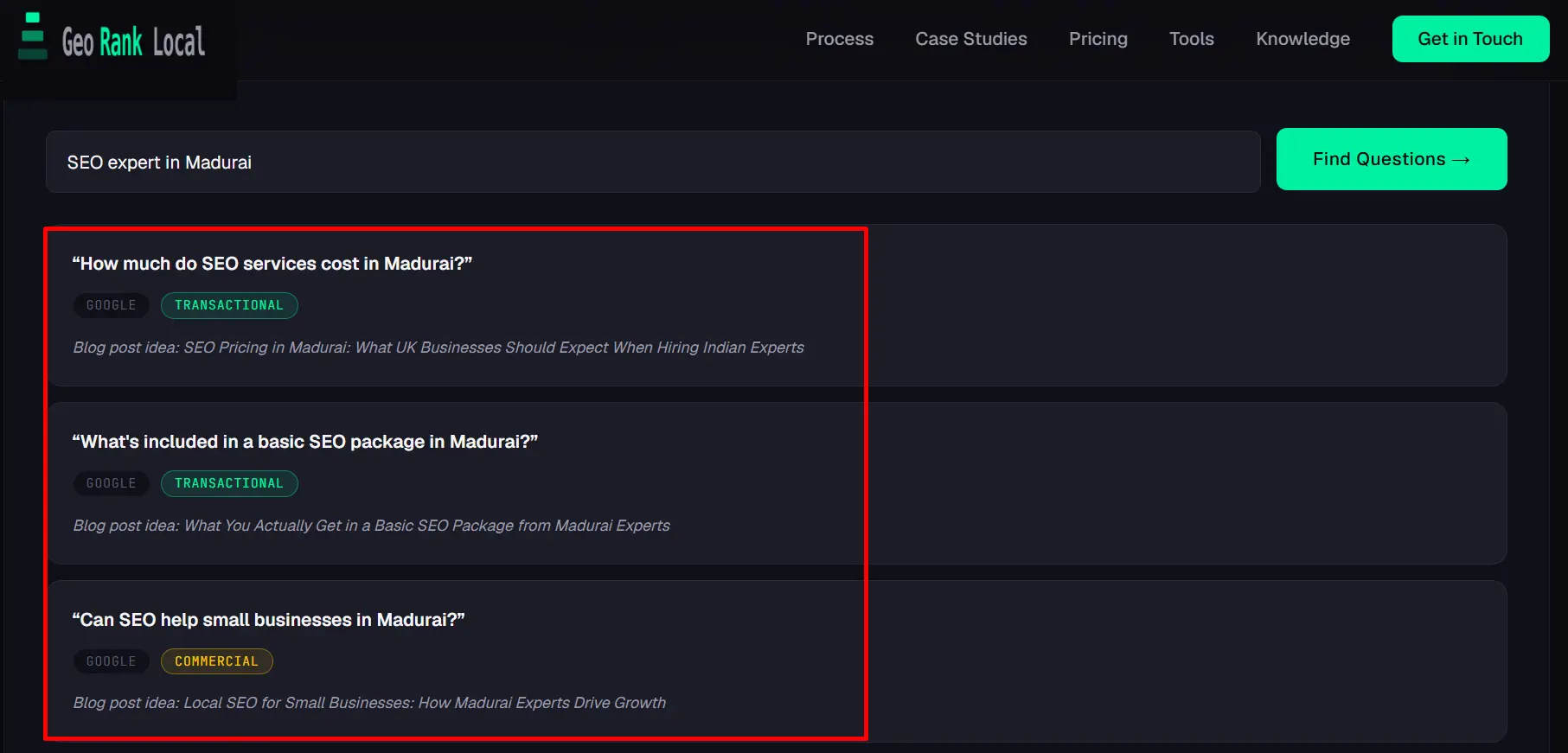
Pick 3 or 4 questions from georanklocal

One thing to know: Georanklocal currently works only for US and UK locations. If you’re outside those regions and want to access it, you’ll need to use a VPN set to a US or UK location.
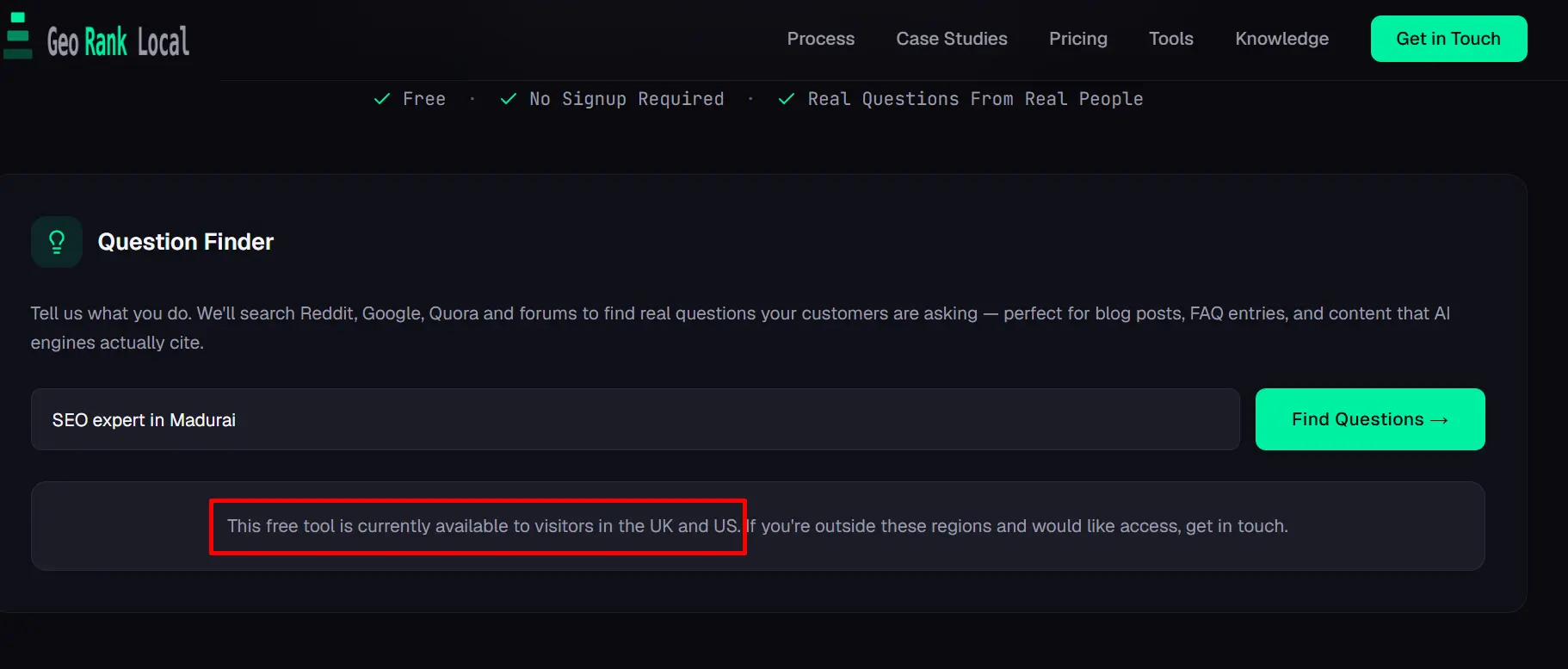
georanklocal is only available in US and UK

Step 2: Turn the Idea Into a Prompt for Gemini

Before you write the prompt, connect your Google Business Profile account with Gemini. Once that’s linked, you’ll be able to publish directly from the chat later — no need to switch tabs to the GBP dashboard.
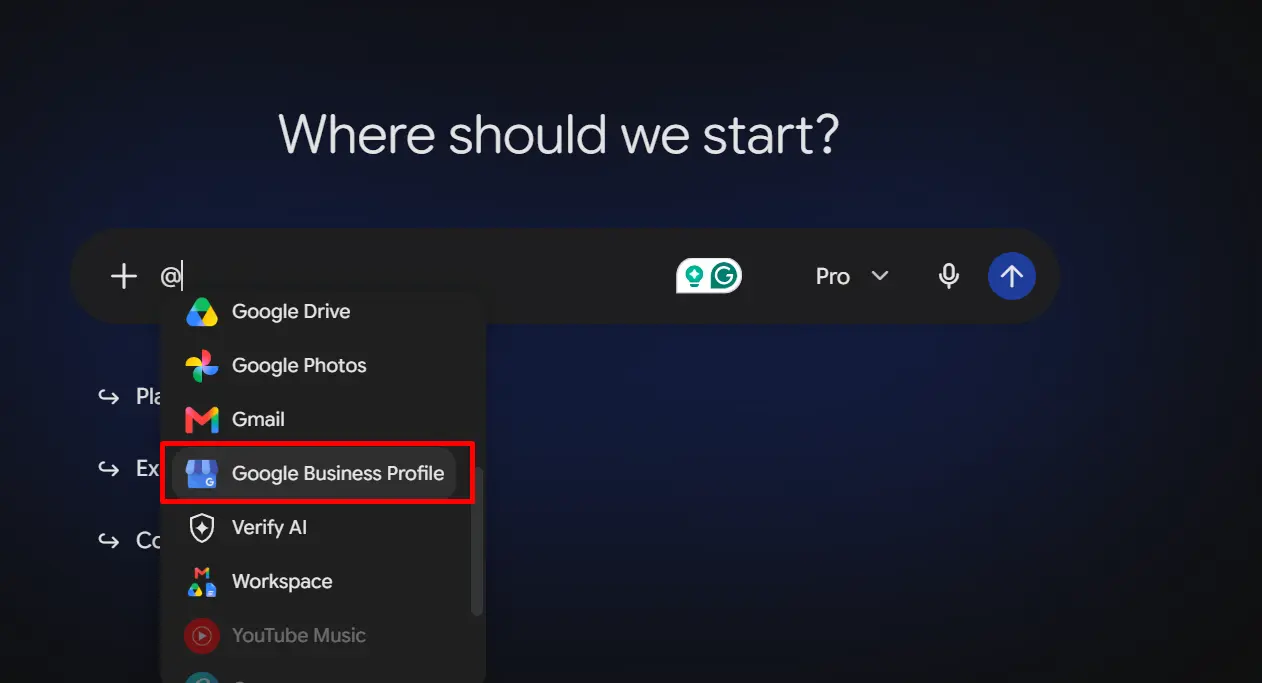
connect GBP with gemini

Now take the question or idea from Georanklocal and feed it into Gemini with a bit of context. I use a simple prompt structure:

“Write a Google Business Profile post about [topic/question from Georanklocal] for [business name], a [business type] in [city]. Keep it under 150 words, friendly tone, include a soft call-to-action like ‘Learn More’ or ‘Book Now,’ and link it to [your service page URL]. Keep the tone helpful, not salesy.”


Adding the CTA and service page link directly in the prompt matters — it means Gemini writes the post with the link and button placement in mind, instead of you bolting it on afterward and having it feel disconnected from the post.
Step 3: Edit for Voice and Specificity

This is the step people skip, and it’s the one that actually matters. AI-written GBP posts tend to sound a little generic if you copy-paste them as-is. I always do a quick pass to:

  • Swap generic phrases for something the business would actually say
  • Add one specific, real detail (an actual product name, a real address landmark, a genuine seasonal note)
  • Shorten it if it’s dragging — GBP posts perform better short and scannable

Step 4: Add a Photo and Publish

GBP posts with images consistently get more engagement than text-only ones. Pull a relevant photo — product shot, storefront, team photo, whatever fits — and attach it before publishing.

Step 5: Batch This Weekly

Instead of doing this one post at a time, I batch it. I sit down once a week, pull 4-5 questions from Georanklocal, run them all through Gemini, edit each one, and schedule them out. What used to take a scattered 20 minutes across multiple days now takes one focused 15-20 minute session.

What I'd Watch Out For

  • Don’t publish Gemini’s first draft as-is. It’s usually fine, but “fine” isn’t the same as “sounds like your business.” Always do the edit pass.
  • Keep your keyword specific. Georanklocal’s questions are only as good as the search term you give it — a vague keyword gives you vague, less useful questions.
  • Remember the US/UK limitation. If you’re working with businesses outside those regions, factor in the VPN step, or adapt the question ideas manually to fit your local market instead of forcing a direct match.
  • Always specify the CTA and link in the prompt itself. Don’t leave it for Gemini to guess — tell it exactly which button text and which page to link to.
  • Watch your posting frequency. GBP posts expire after 7 days for the “What’s New” type. If you’re batching weekly, make sure you’re actually publishing weekly too, not just writing weekly.
  • Don’t let every post read the same. If all your posts follow the exact same Gemini prompt structure, they start sounding repetitive. Vary the angle — offers, tips, behind-the-scenes, FAQs, seasonal notes.

Also Shared On

Why are Google Business Profile posts important?
Google Business Profile posts signal to Google that a business is active, appear in search results for brand names, and have a correlation with improved local pack visibility.
Georanklocal acts as a post idea generator by fetching real questions people ask on platforms like Reddit and Quora about specific services or keywords, ensuring content is relevant to customer interests.
Georanklocal currently supports US and UK locations. Users outside these regions can access the tool by using a VPN set to a US or UK location.
You can link your Google Business Profile account with Gemini AI to generate post drafts based on specific prompts and publish them directly from the chat interface.
A good prompt should include the topic, business name, business type, city, a word count limit (under 150 words), a friendly tone, and a specific call-to-action with a service page URL.
Since ‘What’s New’ posts on GBP expire after 7 days, it is recommended to post at least once a week to maintain an active profile.

Leave a Reply

Your email address will not be published. Required fields are marked *