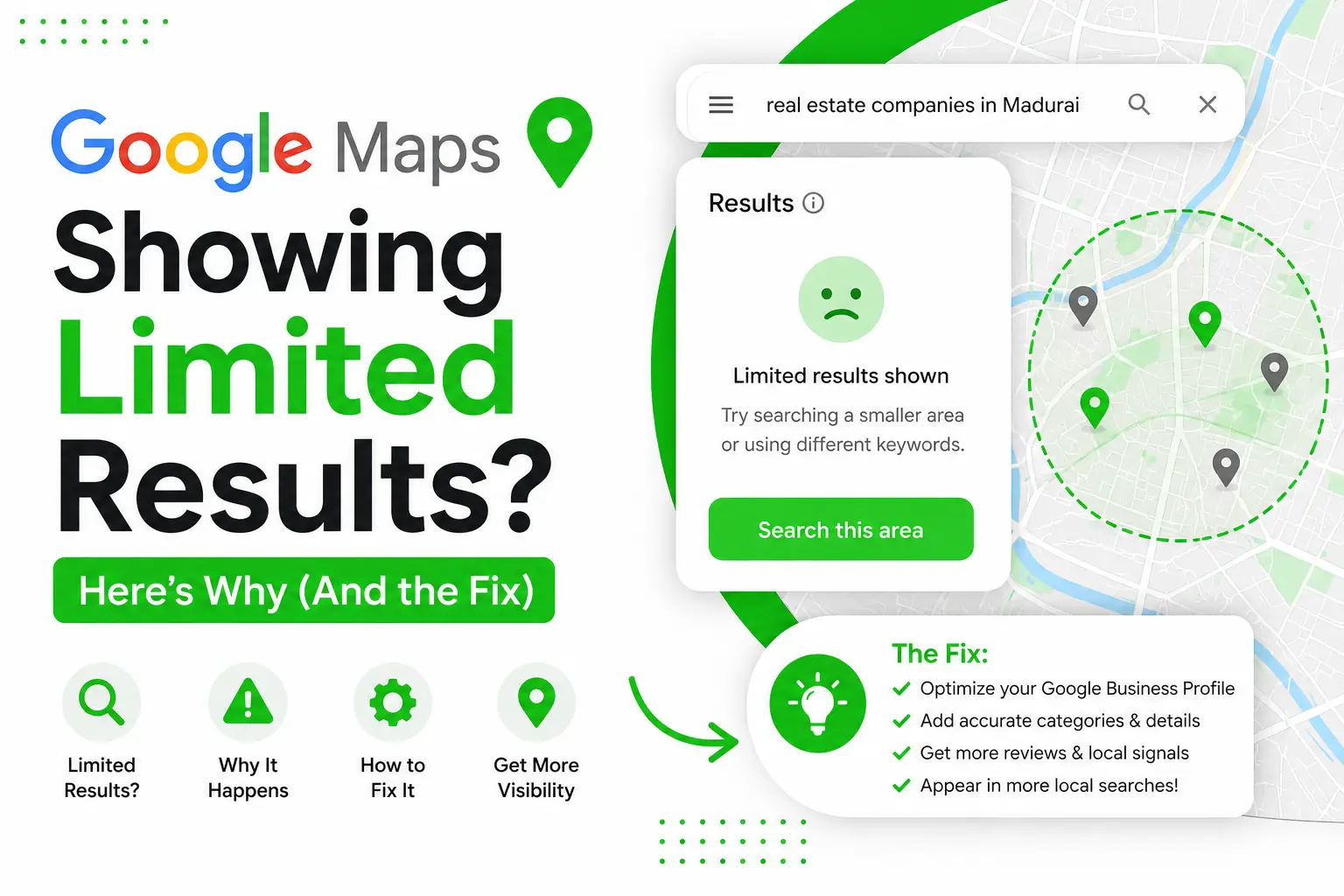

If you use Google Maps for business research or lead generation, you’ve probably searched something like “real estate companies in Madurai” and pulled a list of businesses. But here’s what most people don’t know: Google Maps shows a maximum of 120 results per search — no matter how many businesses actually exist in that city.
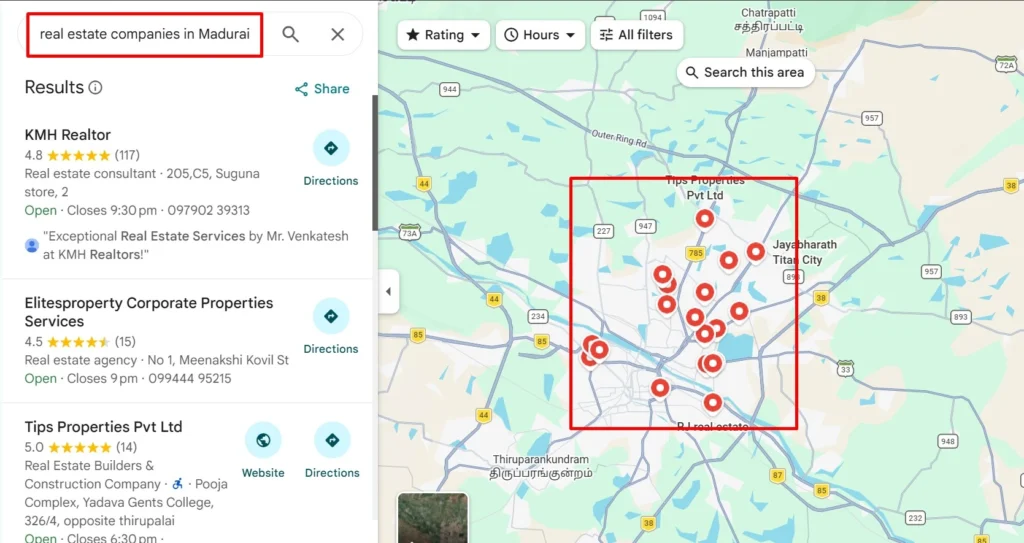
The Problem With City-Wide Search
When you search using just a keyword + city name (e.g. “real estate companies in Madurai”), Google Maps caps the results at 120. For a big city like Madurai, there could easily be hundreds of real estate companies. That means a large chunk of potential leads never even show up in your search — and you don’t know what you’re missing.
For anyone doing local lead generation, Google Business Profile research, or local SEO, this is a major blind spot. You could be skipping high-potential businesses simply because of how the search was structured.
The Fix: Search by Area, Not Just City
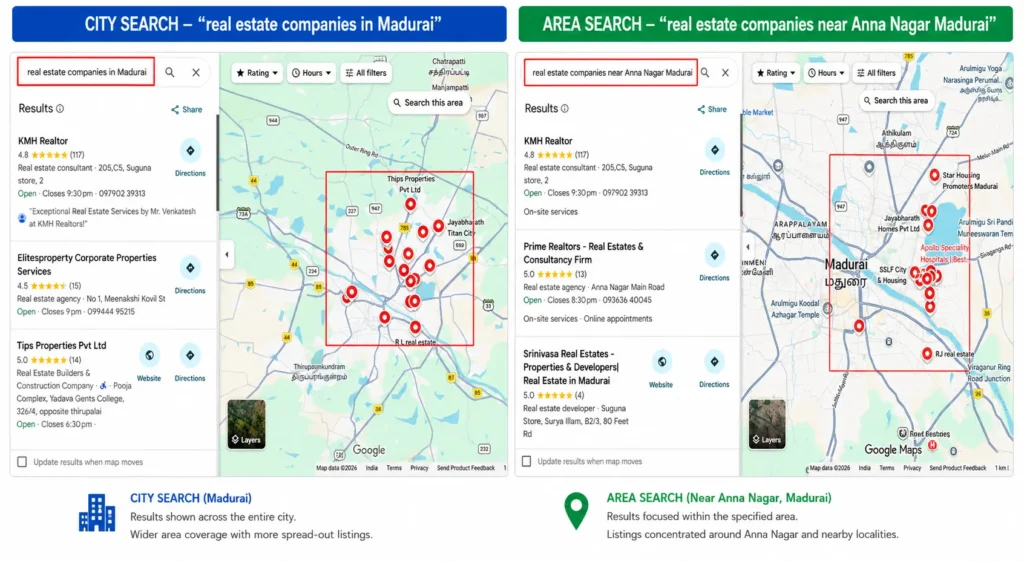
Instead of searching city-wide, narrow your search to a specific area or locality. For example:
❌ “Real estate companies in Madurai”
✅ “Real estate companies near Anna Nagar Madurai”
When you search by area, Google Maps shows all businesses closer to that specific locality. The 120-result limit still applies — but now it applies per area, not the whole city. This means you get a much more complete picture.
How to Cover Your Entire City
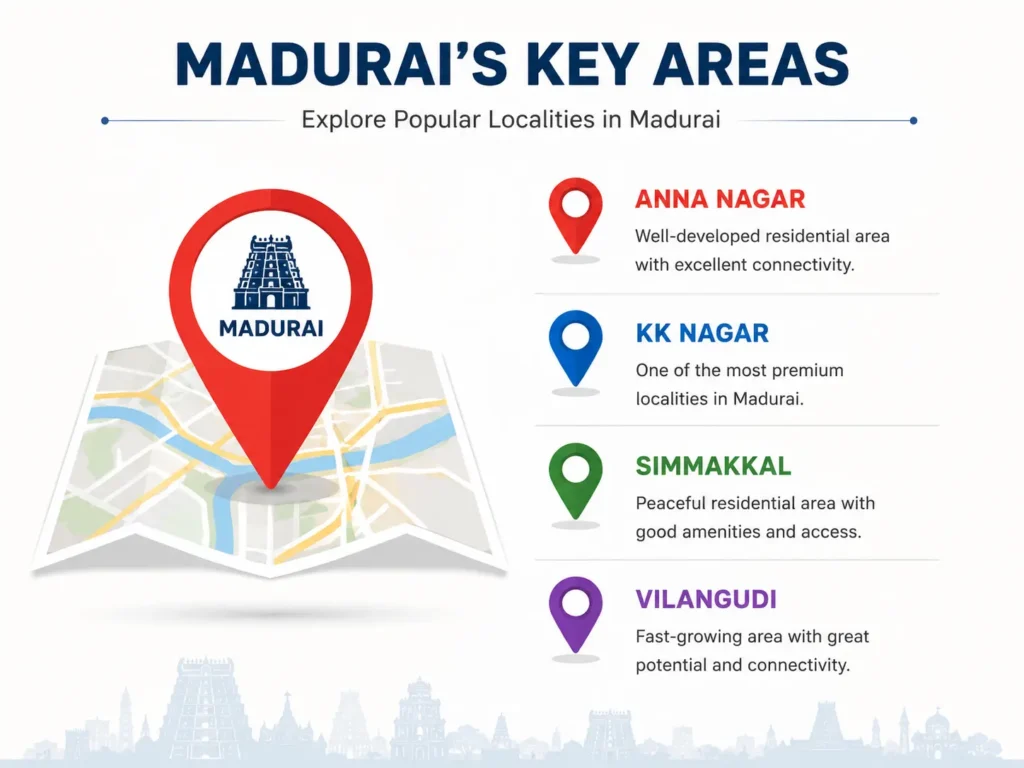
Step 1: List out all the primary areas/localities in your target city (e.g. Anna Nagar, KK Nagar, Simmakkal, Vilangudi for Madurai).
Step 2: Run a separate search for each area, combining keyword + area name + city.
Step 3: Compile the results from each search into one master list.
Yes, this takes more time than a single search. But it gives you a complete and accurate business list, instead of a random 120 out of hundreds.
Why This Matters for Lead Generation
Skipping this step means you’re building your lead list on incomplete data. If you’re a marketer, agency, or business researcher relying on Google Maps for prospecting, area-wise search should be a standard step in your process — not an afterthought.
Doing manual research like this? Tools like Thunderbit (a Chrome extension) can help extract full business details automatically once you’ve set up your area-wise searches, saving you the manual copy-paste work.
Also Shared on:
Google Maps only shows a max of 120 results per search.
— Deepanraj K R (@Deepanraj_k_r) July 21, 2026
Searching "real estate companies in Madurai"? You're missing 100's of businesses.
Fix: search area-wise instead of city-wide.
"Real estate companies near Anna Nagar Madurai" > "real estate companies in Madurai"#deepanraj pic.twitter.com/ewBokwxbgB